 Planform
Floor Plan Studio
Design, arrange furniture, and export contractor-ready floor plans
A clean 2D canvas in the browser. Draw rooms and walls without CAD, then share a plan homeowners, designers, and students can actually use.
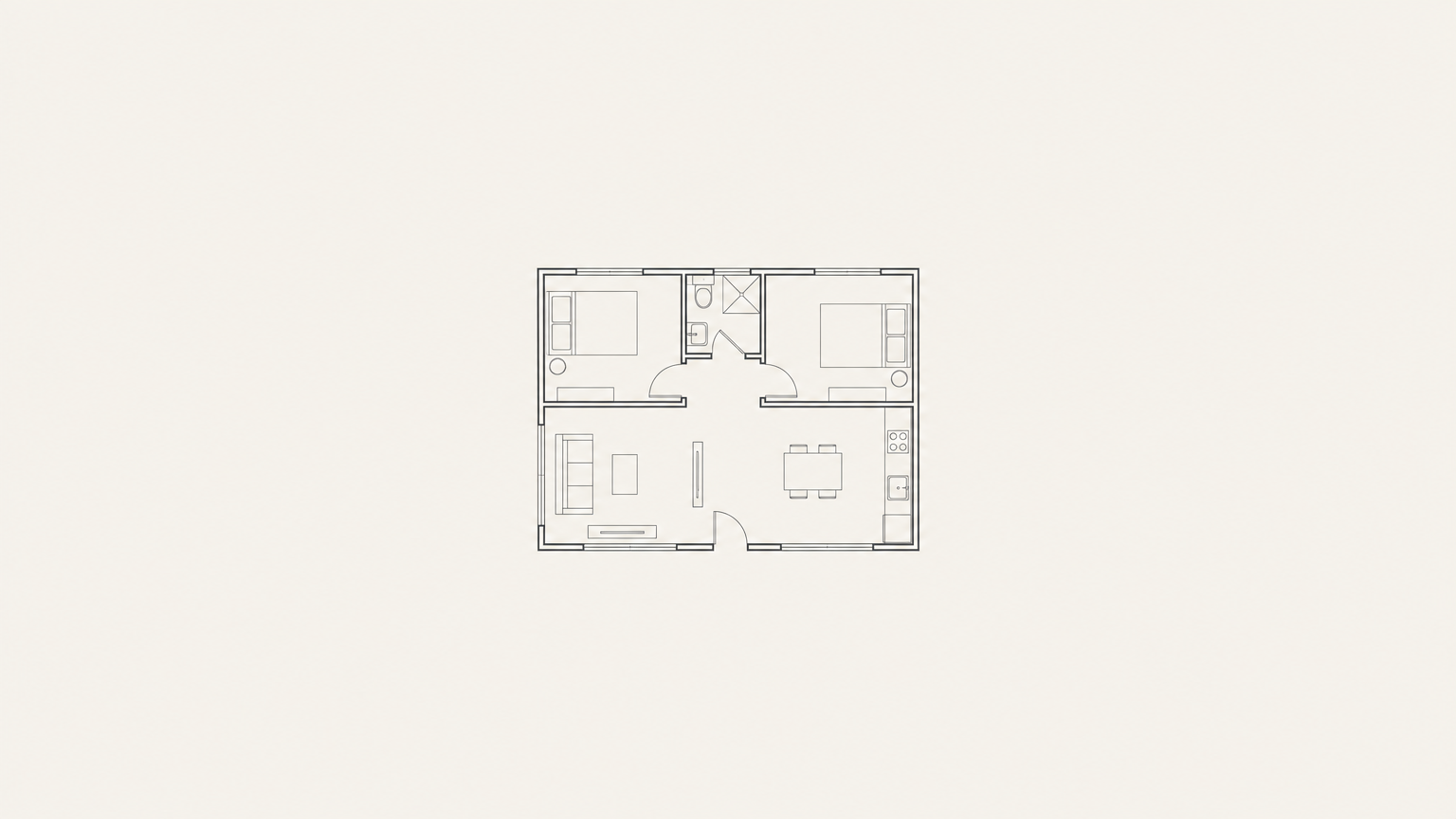
Draw, measure, furnish, export
- 01
Room drawing
Sketch living rooms, kitchens, and bedrooms on a snapping grid. Layouts line up without a CAD license.
- 02
Wall measurement
Read lengths in feet and inches as you draw. Dimensions stay on the canvas so contractors can quote from the sheet.
- 03
Drag-and-drop furniture
Place beds, sofas, kitchens, and baths from the palette. Rotate and nudge until the layout sits right.
- 04
High-resolution export
Download a PNG of the current drawing for bids, texts, and print. Send it without opening AutoCAD.
Pricing
Same studio on both plans. Choose monthly or pay the year up front.
Monthly
$19per month
- Full 2D floor plan canvas
- Room drawing and wall measurement
- Drag-and-drop furniture
- High-resolution PNG export
- Cancel any time
Annual
$149per year
- Everything in Monthly
- Save versus paying month to month
- Room drawing and wall measurement
- Drag-and-drop furniture
- High-resolution PNG export
Questions
What browsers work with Floor Plan Studio?
Use a current desktop Chrome, Edge, Firefox, or Safari. The canvas runs in the browser. A mouse or trackpad is recommended over a phone for drawing walls.
What export formats can I download?
Export a high-resolution PNG of the current plan. Send that file to a contractor, pin it to a bid, or print it. CAD and BIM files are not produced.
How do I cancel?
It is a membership. Cancel any time from your Whop account. Monthly billing stops at the end of the period you already paid. Annual follows the same cancellation path.
Do I need AutoCAD or Revit?
No. Planform is a browser studio for schematic layouts. It is not a BIM or construction-document tool.